Mint 17 Qiana - Cinnamon (customising)
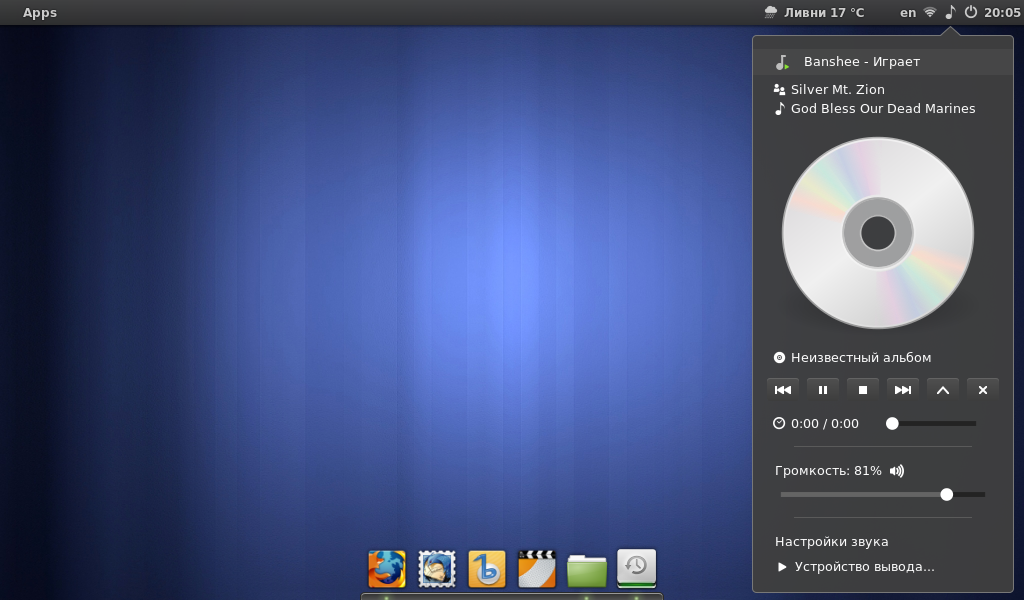
Linux Mint 17 Qiana Cinnamon Edition - 32 bit with security updates until 2019.
Based on Ubuntu 14.04 LTS (Trusty Tahr)
For faster work i made some customising (for netbook Lenovo S10-3)
install:
- bleachbit, skype, dropbox, inkscape, dconf, xfburn
- plank
- sudo add-apt-repository ppa:ricotz/docky
- sudo apt-get update
- sudo apt-get install plank
uninstall:
- hexchat, brasero, bluetooth
and the rest stuff:
- hidden autostart apps are in /etc/xdg/autostart/ make them visible - sudo sed -i “s/NoDisplay=true/NoDisplay=false/g” /etc/xdg/autostart/*.desktop or edit manualy - “visible” - set TRUE
- remove everything from autostart and add “plank”
- configure plank - /home/hxw/.config/plank/dock1/settings and delete plank.dockitem from /home/hxw/.config/plank/dock1/launchers
- remove from panel: menu, panel launchers, user applet, window list
- add to panel: menu plus, shutdown applet, weather
- delete as Admin - /usr/share/cinnamon/applets/notifications@cinnamon.org/empty-notif-symbolic.svg
- make right hot corner active
- disable unused functions in banshee
- set keydoard shortcuts for language selection and quick access Super-B (bleachbit), Super-Q (System Monitor), Super-1, Super-2 (for 1st and 2nd workspaces)
- set two-finger scrolling for mouse
- disable screensaver, set energy managment, use dconf to dissable print.
- set update every 30 days and RUN SYSTEM UPDATE!
8
Kudos
8
Kudos